• Home
  • Download
  • Links
  • Photoplog
  • Blowfish Secret
  • Base64
  • Wordpress Salt
  • Contact
  • ROM
  • Skins
  • VIP
  • Tutorial
Wckediden - Mobile Tricks and Tweaks Community  

Go Back   Wckediden - Mobile Tricks and Tweaks Community > Wckediden Bulletin Announcements > Discussion Area > Digital Scoop
Reload this Page Good Lock, bad lock screen: Weird bug messes with clock placement following
Wckediden
Register Forum Rules FAQ Community Today's Posts Search

Notices
Under Construction

WckedIDen Forum Renovations

WckedIDen is currently undergoing forum structure renovations. During this process, you may experience intermittent errors, unavailable pages, or temporary service interruptions.

Please be patient while we work to improve the forum. We appreciate your understanding and continued support.


Community Links
Social Groups
Pictures & Albums
Members List
Meet Our Staff
Search Forums
 
Tag Search
Advanced Search
Search Downloads
Advanced Search
Search Links
Advanced Search
Find All Thanked Posts


Post New ThreadReply
 
Thread Tools
  #1  
Old Yesterday, 05:00 PM
phillynews215's Avatar
phillynews215 phillynews215 is offline   Thread Starter  
I'm A Community Feed Poster

  puertorico
 
Join Date: October 11th, 2009
Posts: 13,919
Downloads: 0
Uploads: 0
phillynews215 Knows Their Stuffphillynews215 Knows Their Stuffphillynews215 Knows Their Stuffphillynews215 Knows Their Stuffphillynews215 Knows Their Stuffphillynews215 Knows Their Stuffphillynews215 Knows Their Stuffphillynews215 Knows Their Stuffphillynews215 Knows Their Stuffphillynews215 Knows Their Stuffphillynews215 Knows Their Stuff


View phillynews215's Profile   Edit Options Edit Profile Picture View phillynews215's Photo Album Add phillynews215's to Your Contacts Show Groups Edit Avatar Subscribed Threads Private Messages
Icon1 Good Lock, bad lock screen: Weird bug messes with clock placement following

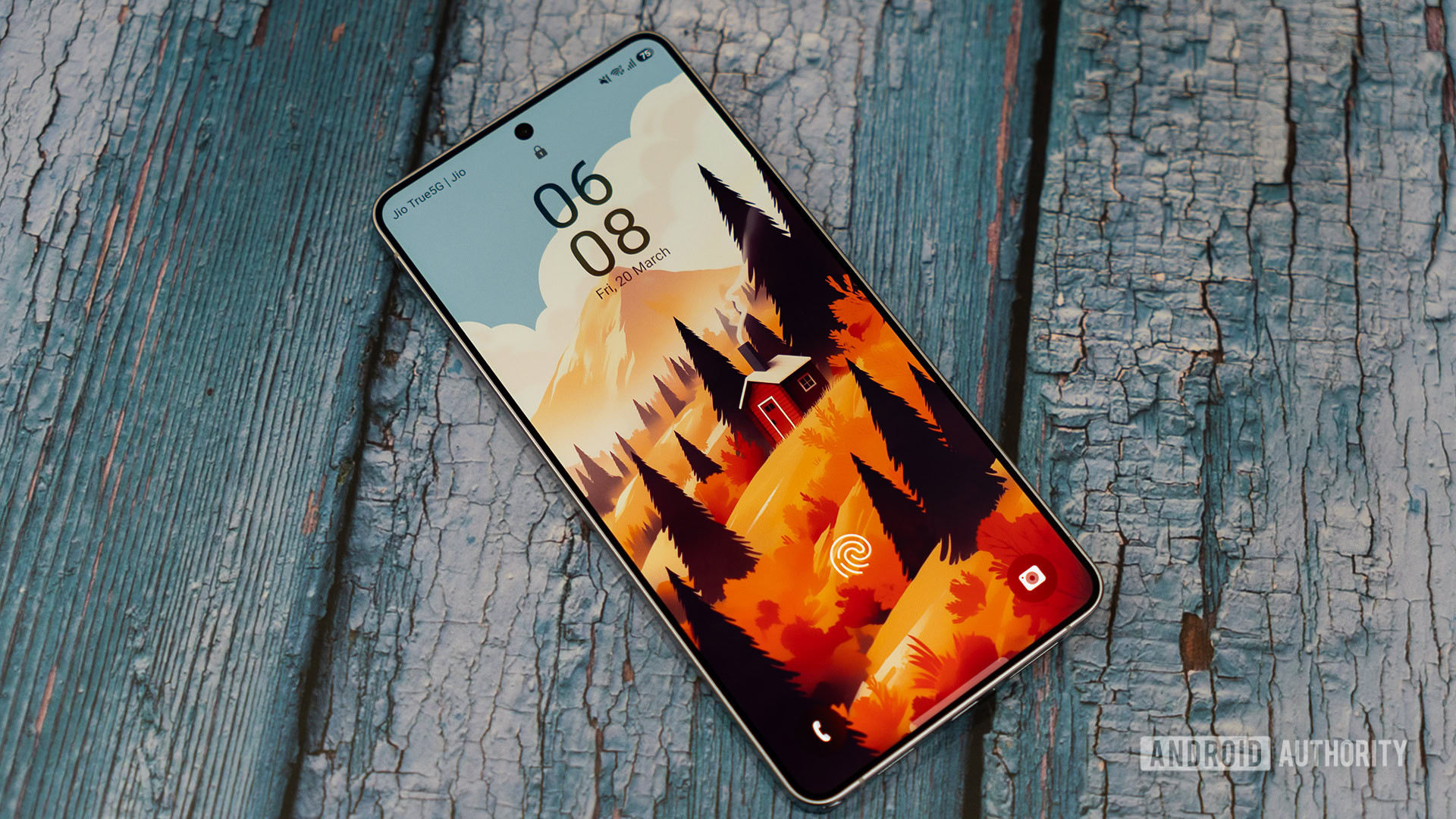
Credit: Aamir Siddiqui / Android Authority


TL;DR
  • Samsung has confirmed a Good Lock ClockFace bug that can move lock screen clocks from their chosen position.
  • The issue was reported by a Galaxy S26 Ultra owner after updating to One UI 9.
  • Samsung is investigating and recommends using a default clock style as a temporary workaround.
Good Lock is supposed to give Galaxy owners more control over how One UI looks, but one Galaxy S26 Ultra user has found their carefully arranged lock screen doing its own thing after updating to One UI 9. They weren’t imagining it, with Samsung now confirming that there’s an issue affecting clock positioning when using Good Lock’s ClockFace options.

The problem was raised on Samsung’s Korean Community forum by a Galaxy S26 Ultra owner. They showed how the time and date were positioned close together in LockStar, but the actual lock screen and Always-On Display put them much farther apart. The clock itself had moved rather awkwardly to almost the very top of the display.


More...
Reply With Quote
phillynews215
View Public Profile
Visit phillynews215's homepage!
Find all posts by phillynews215
Post New ThreadReply

« Previous Thread | Next Thread »

Currently Active Users Viewing This Thread: 1 (0 members and 1 guests)
 

Thread Tools
Show Printable Version Show Printable Version
Donate Via PayPal
Amount:
Enter Short Message:
Posting Rules
You may not post new threads
You may not post replies
You may not post attachments
You may not edit your posts

BB code is On
Smilies are On
[IMG] code is On
HTML code is On

Forum Rules


All times are GMT -4. The time now is 07:24 PM.

Wckediden Community - Archive - Privacy Statement - Terms of Service - Top


Powered by vBulletin® Version 3.8.14
Copyright ©2000 - 2026, vBulletin Solutions Inc. And Powered By phillyfinestserverstat a AI movement.
Template-Modifications by TMS
POWERED BY PHILLYFINESTSERVERSTAT WCKEDIDEN |- NEXTELELITE |- PPCTHEME |- IDENINSIDER