 |



|
#1
 12-31-2025, 12:33 PM
|
||||
|
||||
 Galaxy S26 Ultra could get a pro-level camera upgrade with these new Camera
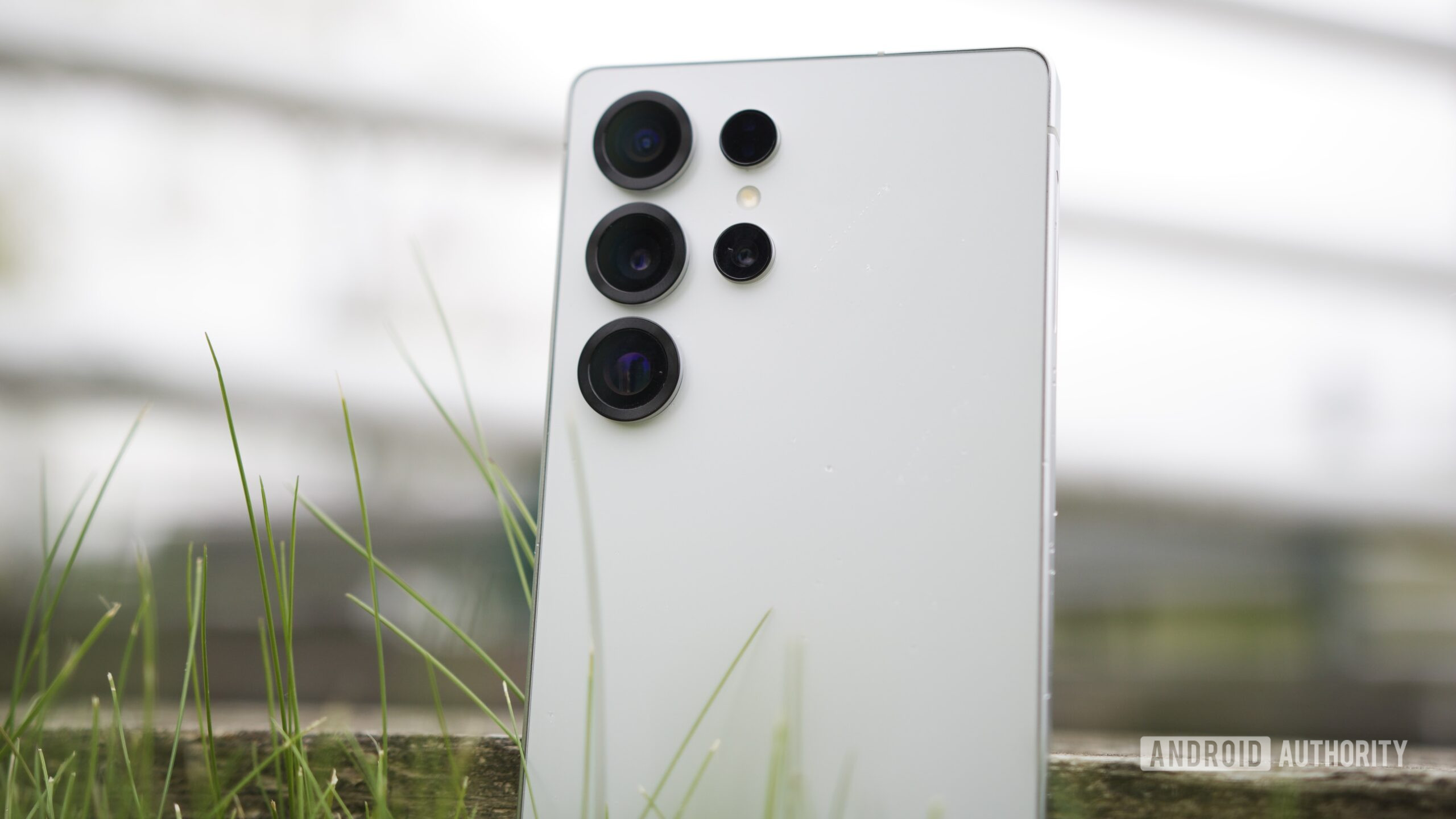 Credit: Joe Maring / Android Authority Credit: Joe Maring / Android AuthorityTL;DR
Authority Insights You're reading an Authority Insights story. Subscribe to our new Authority Insights newsletter for more exclusive reports, app teardowns, leaks, and in-depth tech coverage you won't find anywhere else. sign up now By signing up, you agree to our Terms of Use and acknowledge the data practices in our Privacy Policy. You may unsubscribe at any time. Video softening The Camera Assistant app already offers a “Picture softening” option, letting users choose to reduce harsh details for smoother, more natural-looking photos with less sharpening. Users can toggle the softening effect to off, medium, or high to adjust its intensity. This comes in particularly handy for portraits, as it allows you to soften overly sharp textures for a more aesthetically pleasing look. More... 
|





  |
«
Previous Thread
|
Next Thread
»
| Currently Active Users Viewing This Thread: 1 (0 members and 1 guests) | |
|
|

All times are GMT -4. The time now is 08:51 AM.