 |



|
#1
 10-22-2025, 12:06 PM
|
||||
|
||||
 How to mirror your Galaxy phone’s or PC’s screen on the Galaxy XR
The Galaxy XR is Samsung’s first extended reality (XR) headset, and it’s also the world’s first device to run the Android XR operating system. In addition to running immersive apps and games locally, the headset can mirror your PC or smartphone’s screen for ultimate productivity.
Mirror Galaxy Book's screen on Galaxy XR via PC Link Samsung has revealed that you can mirror your Galaxy Book's screen to the Galaxy XR via an app called PC Link. You need to install that app on your Galaxy Book and then pair them to the feature to work. Both the PC and the Galaxy XR need to be on the same Wi-Fi network and connected via Bluetooth. 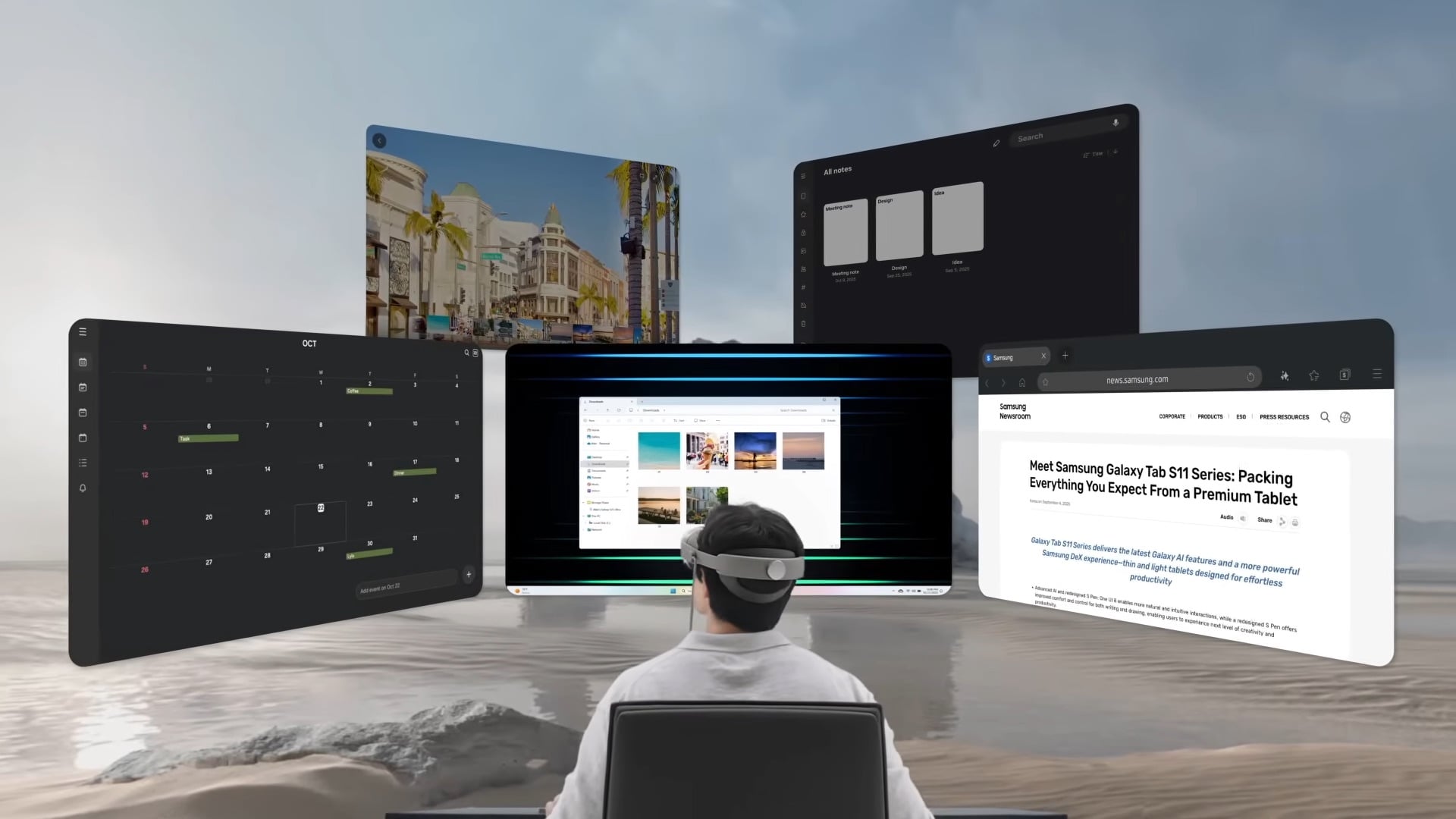 Follow the steps below for PC screen mirroring:
Mirror your Galaxy phone's screen on Galaxy XR and take calls You can take calls from your Galaxy phone on the Galaxy XR via the ‘Call On Other Devices' feature. You can also mirror the phone's screen on the XR headset via Smart View. Follow the steps below for phone screen mirroring on the Galaxy XR:
 Follow the steps below to take calls from your Galaxy phone on the Galaxy XR:
The post How to mirror your Galaxy phone’s or PC’s screen on the Galaxy XR appeared first on SamMobile. More... 
|





  |
«
Previous Thread
|
Next Thread
»
| Currently Active Users Viewing This Thread: 1 (0 members and 1 guests) | |
|
|

 Similar Threads
|
||||
| Thread | Thread Starter | Forum | Replies | Last Post |
| Mirror, mirror on the wall: This new Withings smart mirror may be the smart | phillynews215 | Digital Scoop | 0 | 01-05-2025 08:25 PM |
| [NEWS] Windows can’t mirror sensitive notifications from some devices with One UI | phillynews215 | Just About Digital Community | 0 | 12-17-2024 01:10 AM |
| T-Mobile is becoming the mirror image of the carriers it claimed to fight a | phillynews215 | Bulletin News | 0 | 06-29-2024 05:55 PM |
| Mirror screen protector | point5pnoi | Society Cell Talk | 4 | 08-03-2008 07:48 PM |
All times are GMT -4. The time now is 09:07 AM.